piDock is a desktop organization utility that helps you replace scattered shortcut icons with functional docks on Windows 10 and 11. It takes a broader approach by turning the desktop into an interactive workstation, organizing items into dedicated, functional docks. What makes piDock distinctive is its modular depth and technical versatility.
I particularly liked that piDock uses approximately 75MB of RAM without introducing background bloat or slowing the PC down. It runs effortlessly even on lightweight computers. The utility goes beyond static icon organization by integrating live folder gateways, local file encryption, Git repository tracking, and programmable automation tiles.
Container and gateway docks
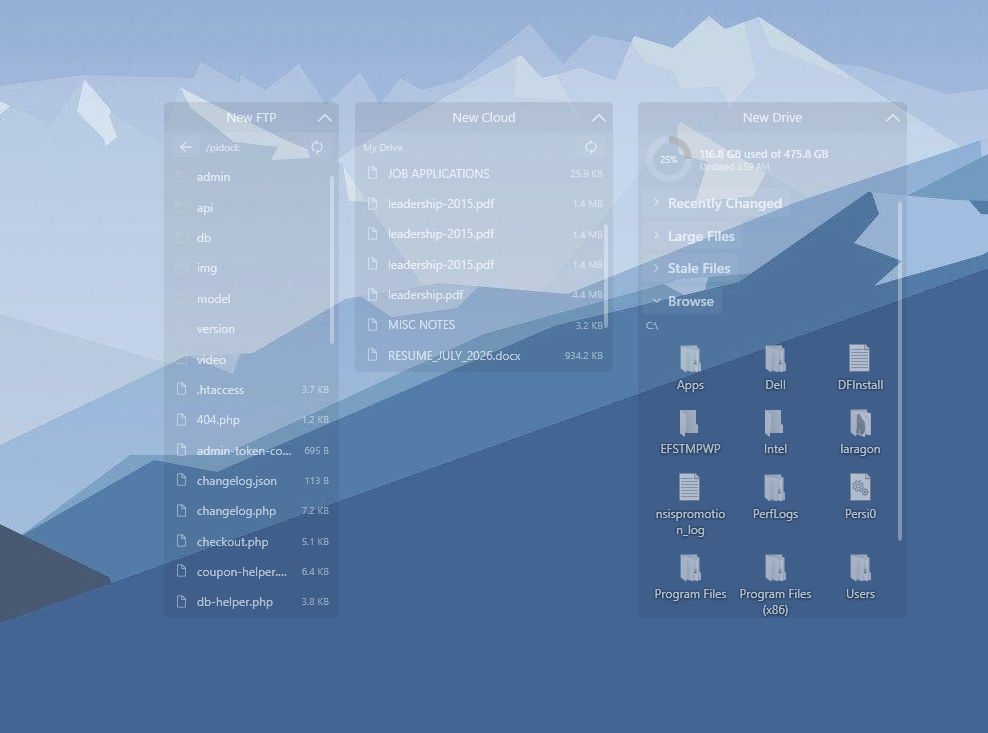
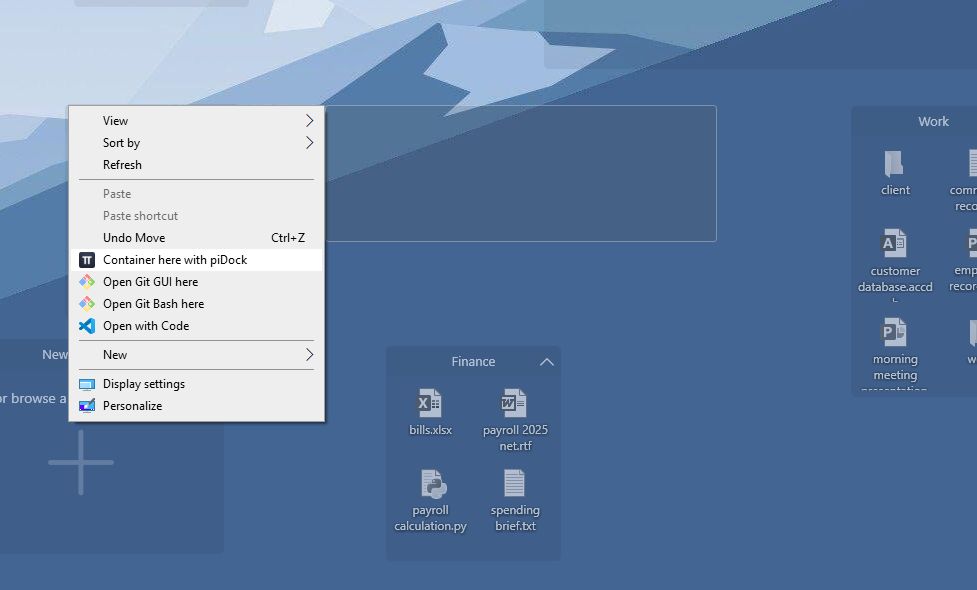
piDock organizes file management into two different workflows: container docks and gateway docks. The former act as neat, collapsible boundaries to group loose files, project assets, and similar items. The latter allow you to point directly to any existing directory on your drive and render a live view of its content. This view is resizable and lets you browse deep subfolders without launching File Explorer itself.Local, offline AI desktop organizer
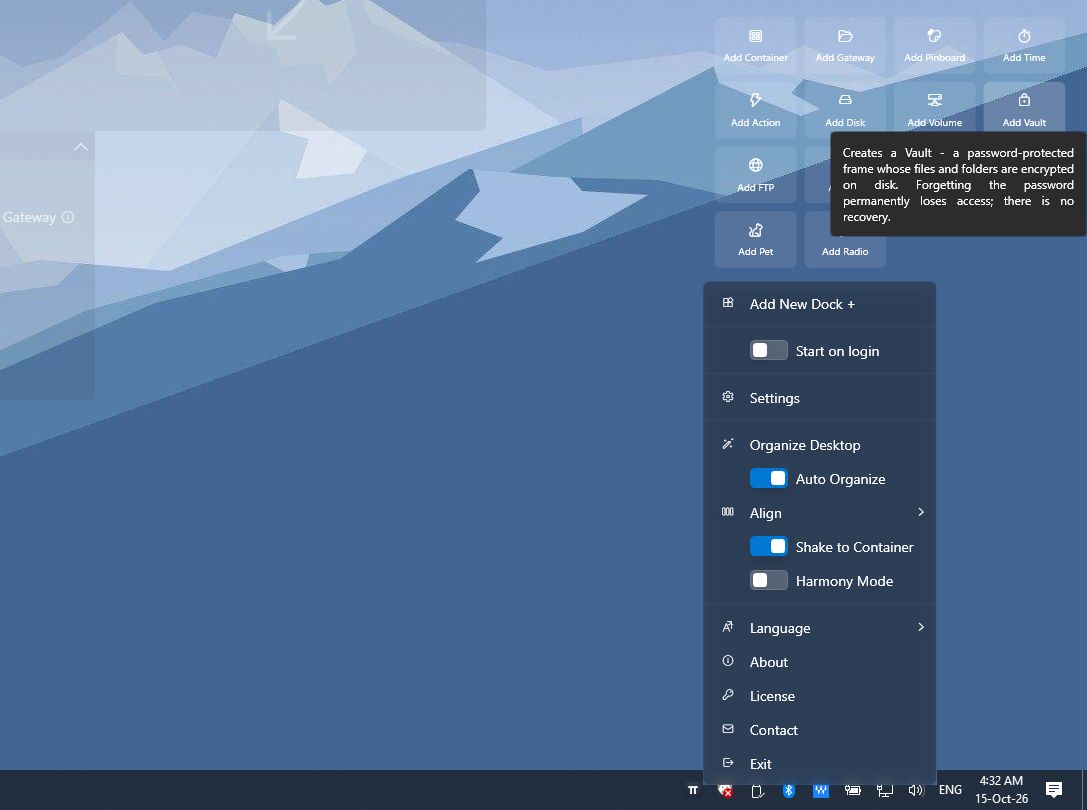
To clean up messy desktops instantly, the app features a one-click AI Organizer. While many modern apps incorporate AI merely for the sake of it, piDock actually makes it useful. The tool does not send any data to cloud servers, running entirely locally on your computer. It scans loose desktop items and sorts them into sensible, task-specific categories in seconds, preserving privacy and keeping data strictly on your device.Action dock and developer tools
For technical users, the app functions as an automation launcher. Its Action Dock provides customizable one-click tiles capable of launching applications, running scripts (via PowerShell, Command Prompt, or Bash), calling HTTP endpoints, or publishing MQTT messages. It also offers dedicated Git docks that monitor live repository status and branch activity, alongside read-only FTP explorer docks with encrypted credential storage.Productivity widgets and gestures
The app features an extensive suite of utility docks, including a Pinboard for sticky notes and RSS feeds, a Time dock (with Pomodoro timers, world clocks, and app activity tracking), a live Weather forecast panel, and a World Radio dock with built-in recording. Interaction feels smooth with desktop gestures like "Shake to Container" (shaking a dragged file bundles it into an instant dock) and full virtual desktop awareness mapped to dedicated hotkeys (Ctrl + Alt + 1-9).7-day free trial with one-time licensing
piDock offers a fully unlocked 7-day free trial that requires no account creation, personal details, or credit card. The company sells permanent access as a one-time purchase. The final cost can vary based on your region and any active promotions.An exceptional upgrade for heavy file traffic
piDock is a versatile desktop environment tool for Windows power users, developers, and professionals managing heavy daily file traffic. It pushes the desktop organizer category forward by blending smart file containers with developer-friendly actions, privacy-first local AI, and zero-subscription pricing. While users looking for simple, minimalist icon fences might find its wide array of specialized docks more complex than necessary, its modular flexibility and light resource usage make it an exceptional upgrade for power users.